During the pandemic, I embarked on a writing project to create and self-publish a book to help people build a better Intranet. It was inspired by many unloved Intranets I had come across in my work as a SharePoint Consultant.
I realised that this content was valuable because it doesn’t focus on SharePoint features, but more on the things needed to create and maintain an Intranet. Ironically, I stopped revising the book in 2023 as my focus switched to other things. While some content slowly became outdated, there is still plenty of evergreen material that is relevant today.
Someone asked, “are you going to do a 2026 edition?”. I’d love to but the problem is I am time poor and it takes a lot of effort to review and revise content. If I am going to do it, then I’m going to need some help! Can Copilot help?
I pulled the manuscript into Microsoft Word and started using Copilot to revise the content. Not to bad, but it was still time consuming. Copilot couldn’t handle over 40,000 words spanning 147 pages. I needed to go chapter by chapter. Copilot did a reasonable job, but not it was all a bit to same-same. This approach would be find for smaller documents, but this one was too big to approach in this way.
Along came Copilot Cowork and I wondered if it was up to the task. Cowork is an AI driven digital team mate, that you can give jobs. It works in a collaborative way, following your instructions, figuring out how to approach the problem and then asking for more clarification or additional steps as it completes the task. It is great for things like organising your calendar, co-ordinating work and drafting content. Cowork runs in your user context, so it has permission to the things you can access as in Microsoft 365.
OK, so can it really help with this job? I started with this prompt:
Create you please review and create a revised version of /BuildingSharePointIntranets.pdf in Word format so I can do further edits. Include new features relevant to Intranets in 2026 including AI features. If there are references to out dated or retired SharePoint features then note they are retired but retain the references.
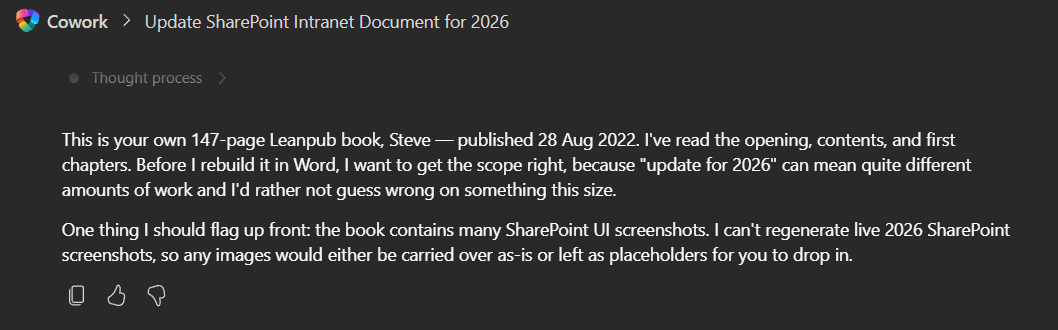
Cowork came back and said it couldn’t copy over or update diagrams and images. That was fine as I want to curate those myself.
Can you please include placeholders for images from the original document including a brief description so I know what image to add.
Cowork produced a shortened summary of the manuscript covering the key points, end of chapter check lists and short paragraphs on new features. Hummm, I was expecting a bit more. This was very concise.
Can you please expand the content with more detail and keeping the original structure and chapter sub-headings.
OK! Now we are starting to get somewhere. It is looking much better. The content still reads like it is AI written, but the structure is improving.
Can you revise the document and remove the obvious AI tells in the content. I want this to use a semi-formal tone and retain my voice.
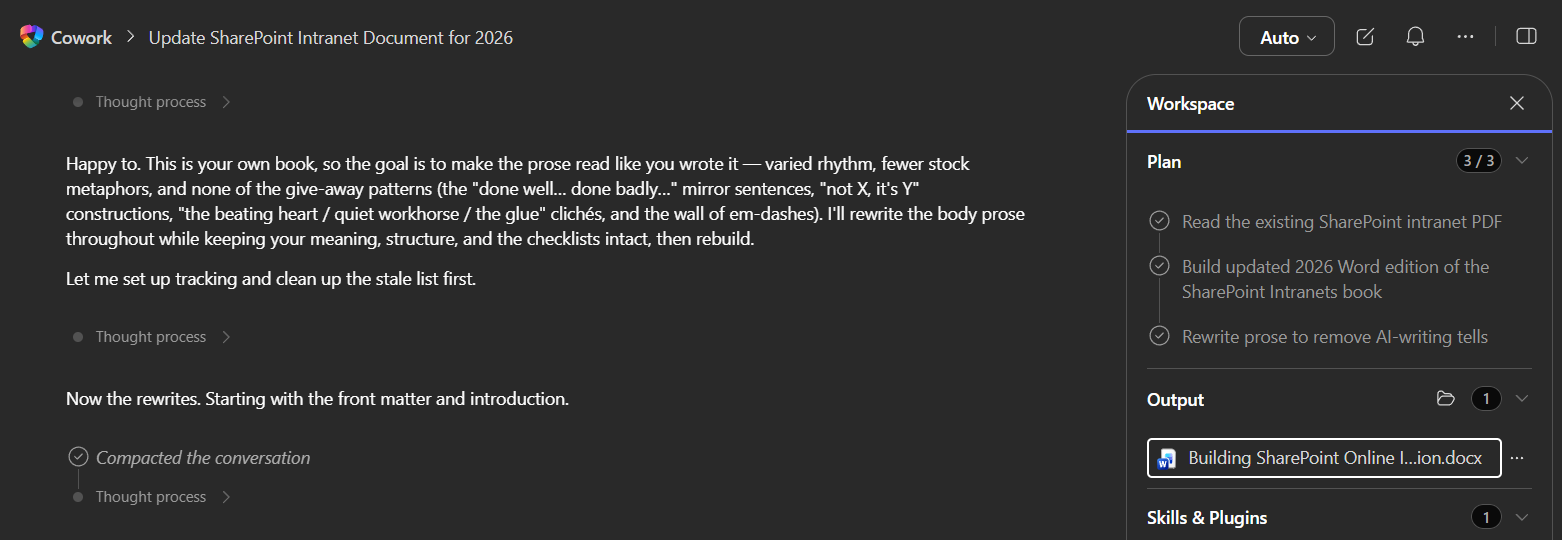
Cowork did a good job removing those dashes and most of the AI sounding cliched text, replacing it with something that resembled me language (a little more articulate). Next job was to try adding in diagrams (I planned to do the screenshots manually).
Can you create a diagram showing Modern SharePoint architecture and insert it after the third paragraph of Chapter 5.
A few minutes ticked by and Cowork confidently said, “I’m done!”. I opened the document and scrolled to Chapter 5. There was a perfect classic SharePoint Architecture diagram complete with subsites.
Can you update the diagram to show a modern architecture without subsites e.g. a flat structure
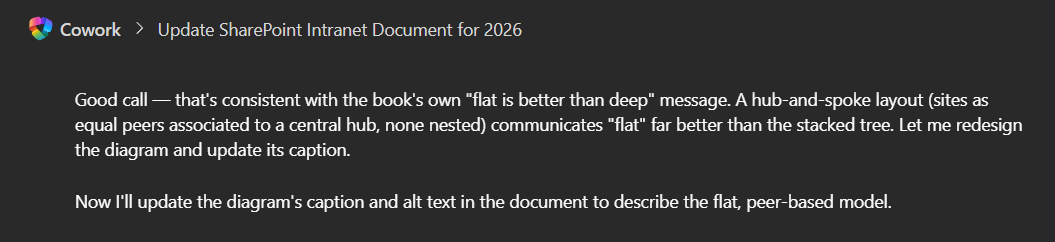
Cowork said “Great idea, that would make the diagram consistent with the recommendations in the book”. Exactly!
This illustrates how you should work with Cowork. Cowork is a helpful assistant, not the subject matter expert (hint: that’s you). When you explain something is wrong and why, Cowork adjusts and improves the output.
The 2026 version isn’t ready for publishing yet. I will add the human touches and make future edits myself. The heavy lifting is done and now I much more achievable job to complete this.
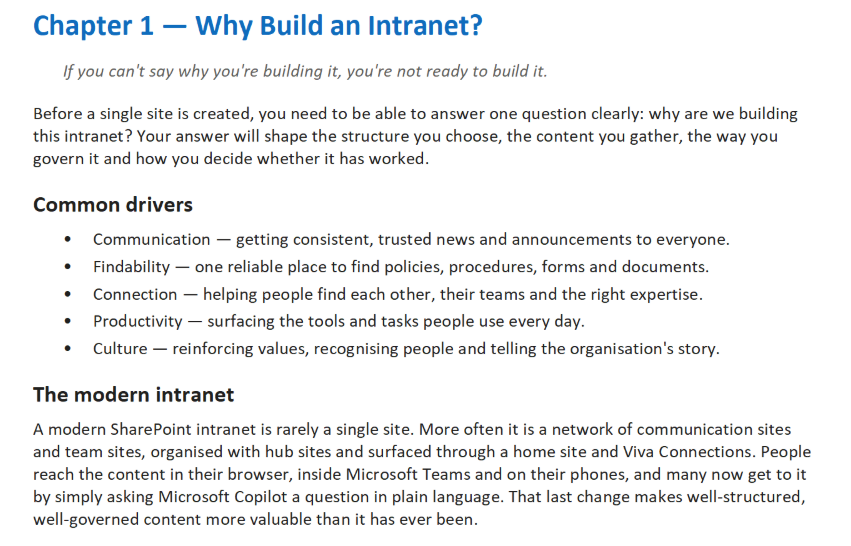
The prompts above are only part of the story. My next task is to use additional prompts for each of the 15 chapters for improvements. I’m taking notes as I proof the book and then I’ll use those as tasks for Cowork.
Cowork, does this work while you do something else. Each prompt took between 3-10 minutes to run, but here’s the good news. Cowork lets you queue tasks while others are in-progress. This entire exercise took less than 2 hours (including some proofing time) done in 1 evening with dinner in the middle! (Yes, I had time to stop and eat!)
Discover more from SharePoint Moments
Subscribe to get the latest posts sent to your email.
